| Support Category: LMS Navigation |
| Specialist Notes: |
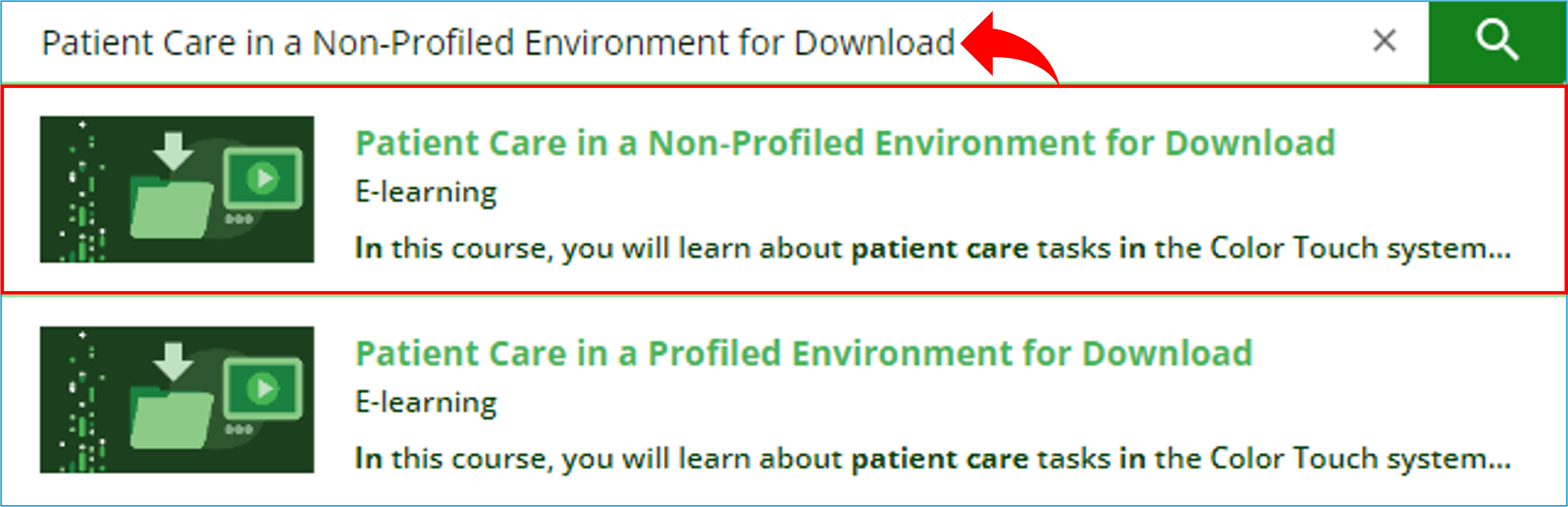
IMPORTANT! eLearning content is available to all customers at no cost. Customers can retrieve the downloadable version of eLearning which can be uploaded to their facility's LMS. Alternative Option To locate a downloadable file, please have users use the keywords 'for Download' after the title of the course. For example; there is the Patient Care in a Non-Profiled Environment. To locate the downloadable version, they can enter Patient Care in a Non-Profiled Environment for Download. |
WHAT SHOULD YOU KNOW? Users tend to confuse the downloadable versions of eLearning with the version available for viewing on Omnicell Institute. You will need to confirm if the user wants to take it online, or if they are trying to download the eLearning files to upload on their facility’s LMS. The downloadable versions are SCORM files, it does not mean they can download the eLearning to their computers. They tend to report when launching an eLearning, it prompts them to download and open files but does not open the course. This simply means they are launching they are accessing the downloadable version. To verify, check if the course title in their transcripts ends with ‘for Download’. Then, locate and provide the version that opens on Omnicell Institute. |
Standard Response: |
Thank you for contacting Omnicell Institute End-User Support!
Kindly find the attached document providing detailed instructions on how to download eLearning content from Omnicell Institute.
Alternatively, you can locate downloadable files, by entering the keywords 'for download' at the end of the course title when searching.