| Support Category: Certificate Inquiry | Print |
| Specialist Notes: |
Ensure to check what type of course the user is inquiring about before providing the standard response.
Standard Response: |
To locate/print your certificate, kindly follow the instructions below:
1. Select the ‘Menu’ icon (3 horizontal lines in your upper left). Then, click ‘Education Transcript-Omnicell Institute’.
2. Locate and select the tile for the completed course you need.
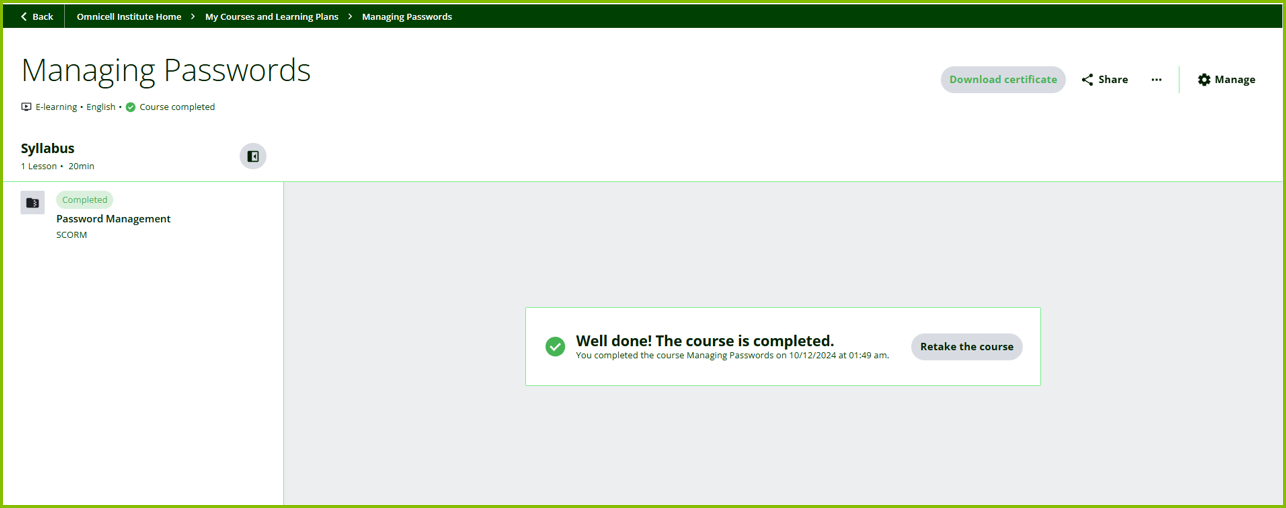
3. This will redirect you to the training launch page.
4. On the launch page, click the ‘Download Certificate’ button in the upper right corner; next to the ‘Share’ button.