| Support Category: Course | Drop/Remove |
| Specialist Notes: |
IMPORTANT! Users can unenroll individual eLearning on Omnicell Institute with the instructions provided within the standard response. |
| Standard Response: |
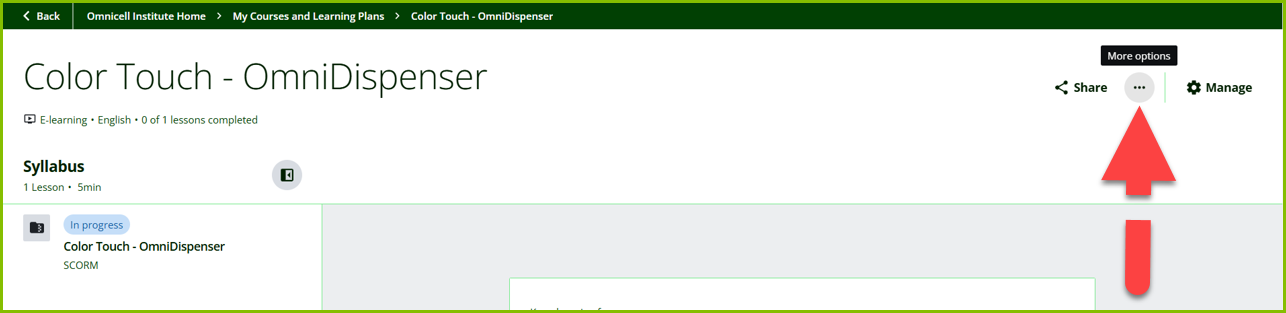
From the course syllabus page, kindly select the ‘More options’ (…) button, next to the ‘Share’ button in your upper right.
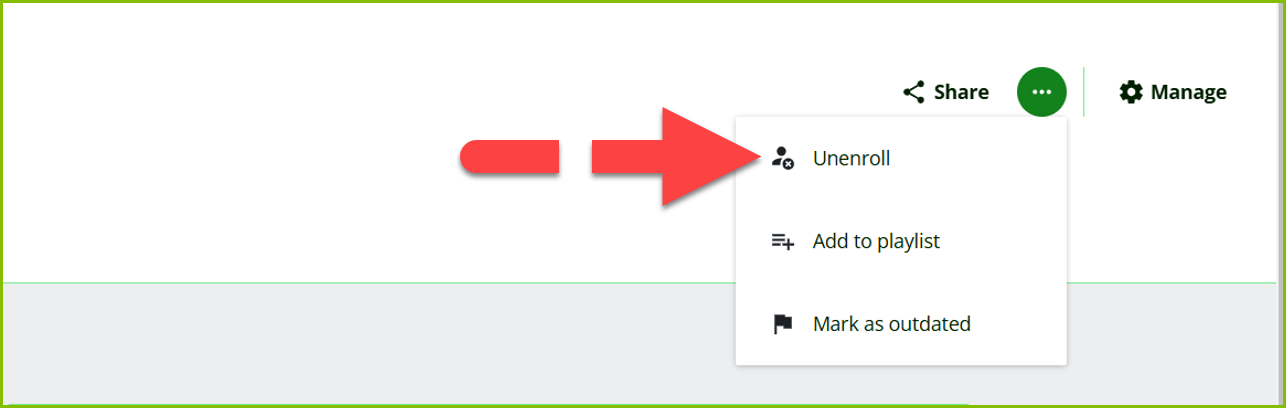
Select ‘Unenroll’ from the drop-down menu.
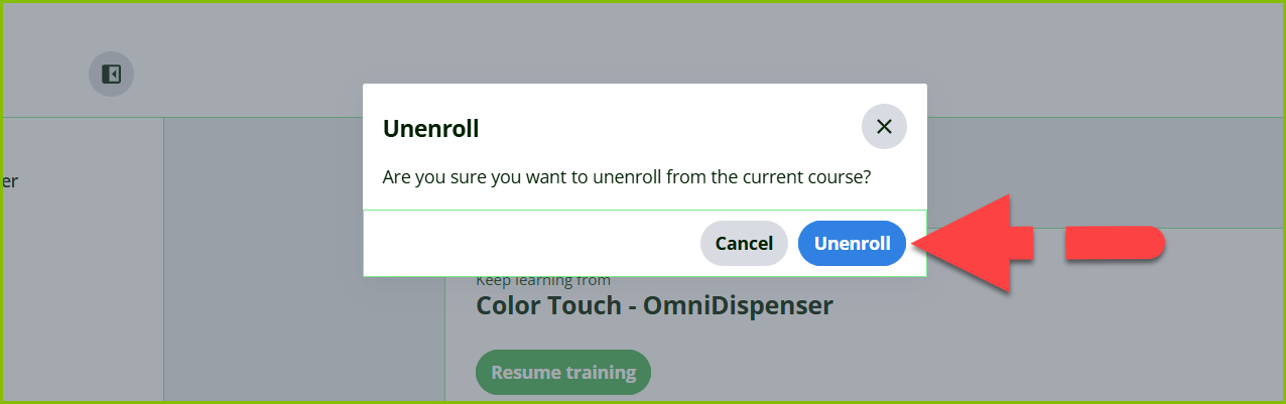
You’ll be prompted with the message: “Are you sure you want to unenroll from the current course?”, select ‘Unenroll’.