| Support Category: Playlist Inquiry |
| Specialist Notes: |
These instructions can be provided to assist with creating a playlist.
| Standard Response: |
To create a playlist, kindly follow these instructions:
1. Locate and open the eLearning, learning plans, etc. to be added.
2. Click Add to playlist.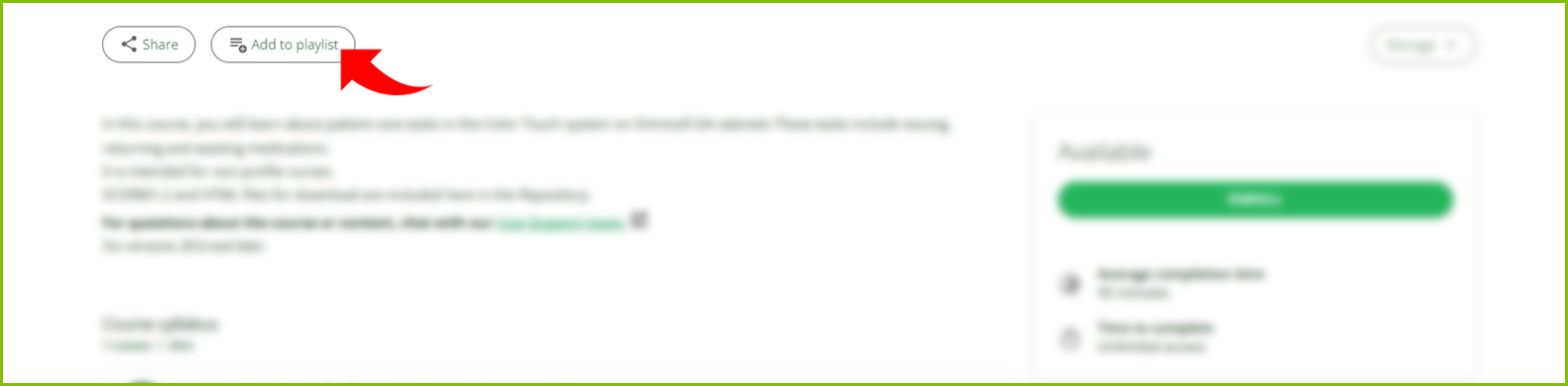
3. Select Create new playlist.
4. Enter your title, description, visibility and channels (if available).
5. Optionally, add tags to increase the playlist’s searchability in the platform’s global search.
6. Click CREATE PLAYLIST.
